
I have been in the Shopify ecosystem for over 5 years as a merchant, designer, and app owner. This month, I was designing my latest client’s Shop App storefront. In the past, I have only had clients who sell digital products, which are not accepted in the Shop App. I got excited to design a storefront for the Shop App. The process of designing The Thot Leader Labs storefront was quick and easy. But I noticed some issues with the Shop App.
Turn On Shop App
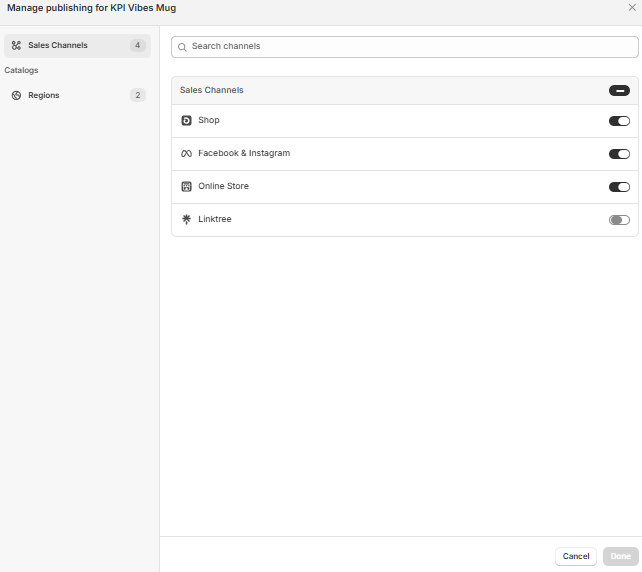
In the catalog of products, they list two options for the selling method of a product. One is “Link to Online Store,” and the other is “Sell Directly in Shop App.” The first option takes users to the link to buy the product. The second option lets users buy the product in the app.
The first option adds an extra step to purchase. To simplify the purchase process, make every product available to purchase directly. Go to the “Products” tab. Then, select every product. After, click the “…” button. Next, go to “include in sales channels” and select “Shop.” Click “include products” to “Sell Directly in Shop App.”
Designing the Storefront
The Shop App has limited customizations. But there are a few elements to design.
Announcement Bar
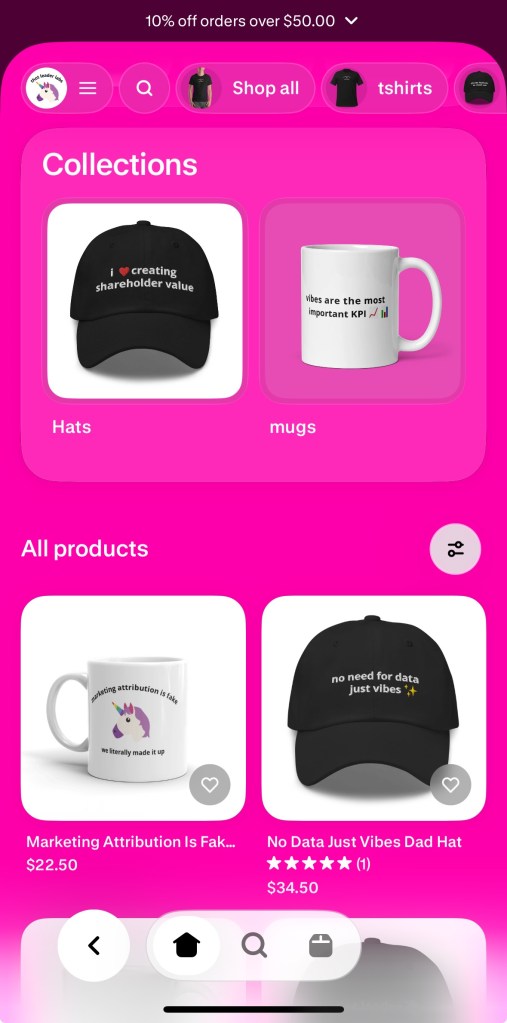
At the top of the app, a Merchant can add an automatic discount. I added a discount of 10% off for any customer spending more than $50. The average order value is $35, and even after the discount, the average order value increases. On the banner, the discount displays as “10% off orders over $50.”
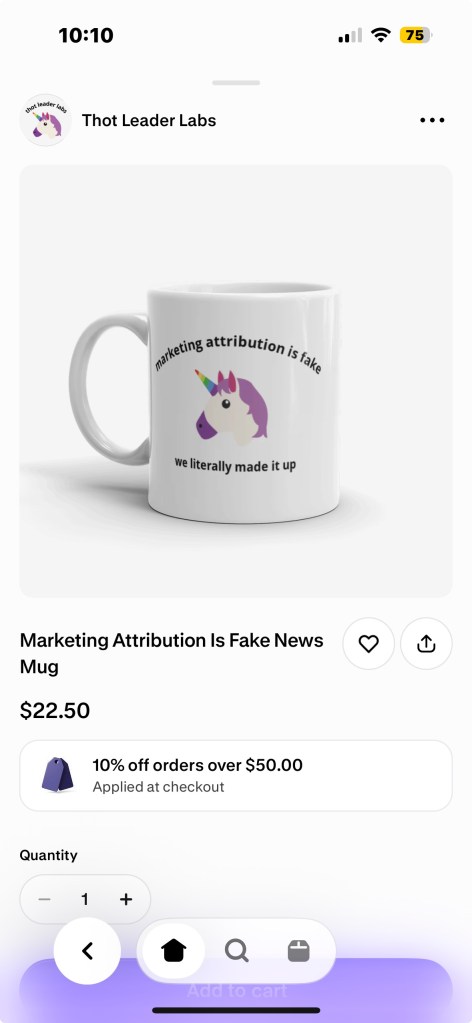
The discount shows up on products because it applies to every purchase on the Shop App.
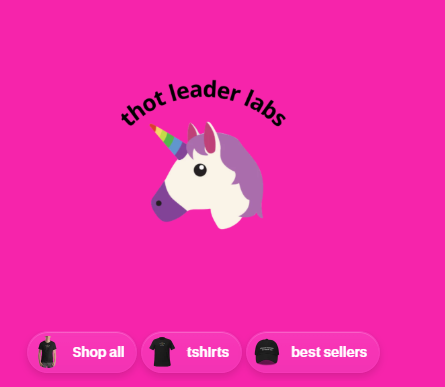
There are several options for the header. A Shopify Merchant can have a picture, a video, or a color fill. Then, the logo can get added to the header. A Shopify Merchant can choose to display a logo or the store’s name over the media.
Collections
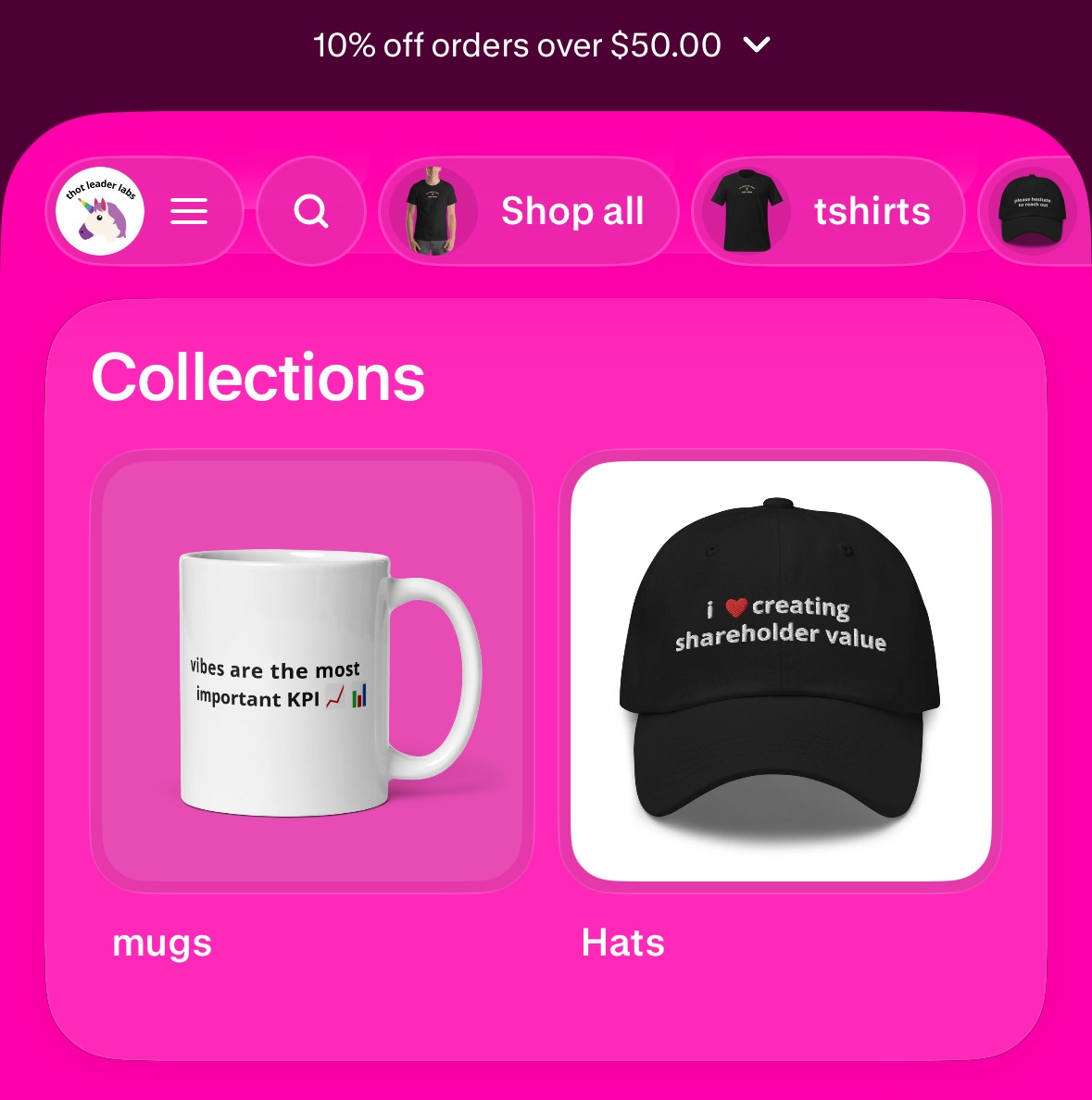
Collections get displayed with two methods. The navigation bar with the collection image and a Shop All tab. Then, collections can get displayed as a box, with the collection image. The navigation bar is sticky, meaning it stays at the top as users scroll.
Issues
I noticed a few issues with working on the storefront.
Default Content
It has a few elements that get displayed by default. The first element is the “Shop All” collection in the navigation. There is no option to remove Shop All, and the collection shows up first. Every storefront I’ve searched has this collection. I am not a fan of “Shop All” in general. I would like the option to remove it.
The other element is the displayed products. A Shopify Merchant does not get to choose the products displayed on the storefront. This is a problem for Shopify Merchants with many collections. The storefront looks unorganized and can confuse visitors. I would like to have the ability to control the products visitors see. Exactly like every other page of a Shopify store.
Slow
When making updates or changes, they took a while to display on the storefront. Slow updating makes it hard to keep track of changes.
Promoting Shop App Storefront
Since the Shop App is its own platform, there are other methods to promote storefronts.
Advertising
A Shopify Merchant can pay for different ads to promote their storefront. Three types of ads for promoting. In- app ads to show users deals. Social ads to promote a storefront on different platforms. Then, ads within Shopify’s product network.
Marketing Tools
Users can follow storefronts. A Shopify Merchant can send their followers updates. The updates can let users know about new discounts or products. As well as, create offers to send to existing customers.
Conclusion
The Shop App has value. But there are many issues, some of which I didn’t mention, that need addressing.



 Digital Standard LLC